So, you want to unlock a contract phone for free. Fair enough. Maybe you are switching carriers, handing the device to a family member, traveling overseas, or simply refusing to buy a perfectly good phone twice. All noble causes. The good news is that many contract phones can be unlocked at no extra cost. The less-fun news is that “any phone, anytime, instantly” is marketing-fairy-tale territory. In real life, free unlocking usually means using your carrier’s official process after you meet its rules.
This guide explains how carrier unlocking really works, how to check whether your device is already unlocked, what the major U.S. carriers usually require, and how to avoid scams that promise magical unlock codes for the price of your dignity and $39.99. If you want the practical, legal, and frustration-saving version, you are in the right place.
First, the Truth Behind the Title
Let’s clear up the big myth right away: you cannot legally and reliably unlock every contract phone for free before it becomes eligible. If the phone is still being financed, tied to an unpaid balance, reported lost or stolen, flagged for fraud, or blocked by a carrier policy you have not yet satisfied, there is usually no legitimate shortcut.
What you can do for free is request an unlock through the carrier once the device qualifies. That is the key distinction. Free unlocking is real. Free bypassing is where the internet starts wearing a fake mustache.
What “Unlocking” Actually Means
Before we go any further, it helps to separate three things people constantly mash together:
1. Carrier Unlock
This removes the SIM or network restriction that ties the phone to one carrier. That is what this article is about.
2. Screen Lock
This is your PIN, password, fingerprint, or face unlock. Forgetting it is annoying, but it is not the same as a carrier lock.
3. Activation Lock or Device Protection Lock
On iPhones, Activation Lock is tied to the owner’s Apple Account. A carrier unlock does not remove that. So if you bought a used phone and it still belongs to someone else’s Apple account, you do not have an unlock problem. You have a “why did this sale feel too easy?” problem.
Can You Unlock a Contract Phone for Free?
Yes, often. In the U.S., the standard path is through the carrier that originally locked the phone. In most cases, unlocking is free when the device meets eligibility requirements. Those requirements commonly include:
- The device is paid off or the installment balance is zero
- The account is in good standing
- The phone has been active for a required number of days or months
- The device was not reported lost, stolen, or involved in fraud
- The phone is actually capable of being unlocked
That last point matters more than people think. Some older devices, some niche models, and some carrier-specific versions may not support the bands or software needed to work well elsewhere, even after they are unlocked.
Why You Might Want to Unlock Your Phone
Unlocking is not just for bargain hunters and frequent travelers. It can be genuinely useful in everyday life.
- Switch carriers: Keep your phone and move to a cheaper plan
- Travel internationally: Use a local SIM or eSIM instead of paying roaming charges that make your wallet audibly sigh
- Sell the phone: Unlocked phones are usually easier to sell and often worth more
- Pass it down: Give the phone to a child, parent, or spouse on another network
- Use dual SIM features: Great for work and personal lines or travel setups
How to Check If Your Phone Is Already Unlocked
Before you start a support chat marathon, check whether the phone is already unlocked. Many people skip this step and spend forty-five minutes talking to a bot named “CareBuddy” for absolutely no reason.
How to Check on iPhone
Go to Settings > General > About and look for Carrier Lock. If it says No SIM restrictions, your iPhone is unlocked.
How to Check on Android
Android steps vary by brand and carrier, which is Android’s love language. Try these options:
- Check Settings for terms like Network lock status, SIM status, or Mobile network
- Log into your carrier account and look at the device details
- Insert another carrier’s SIM or activate a different eSIM and see whether service works
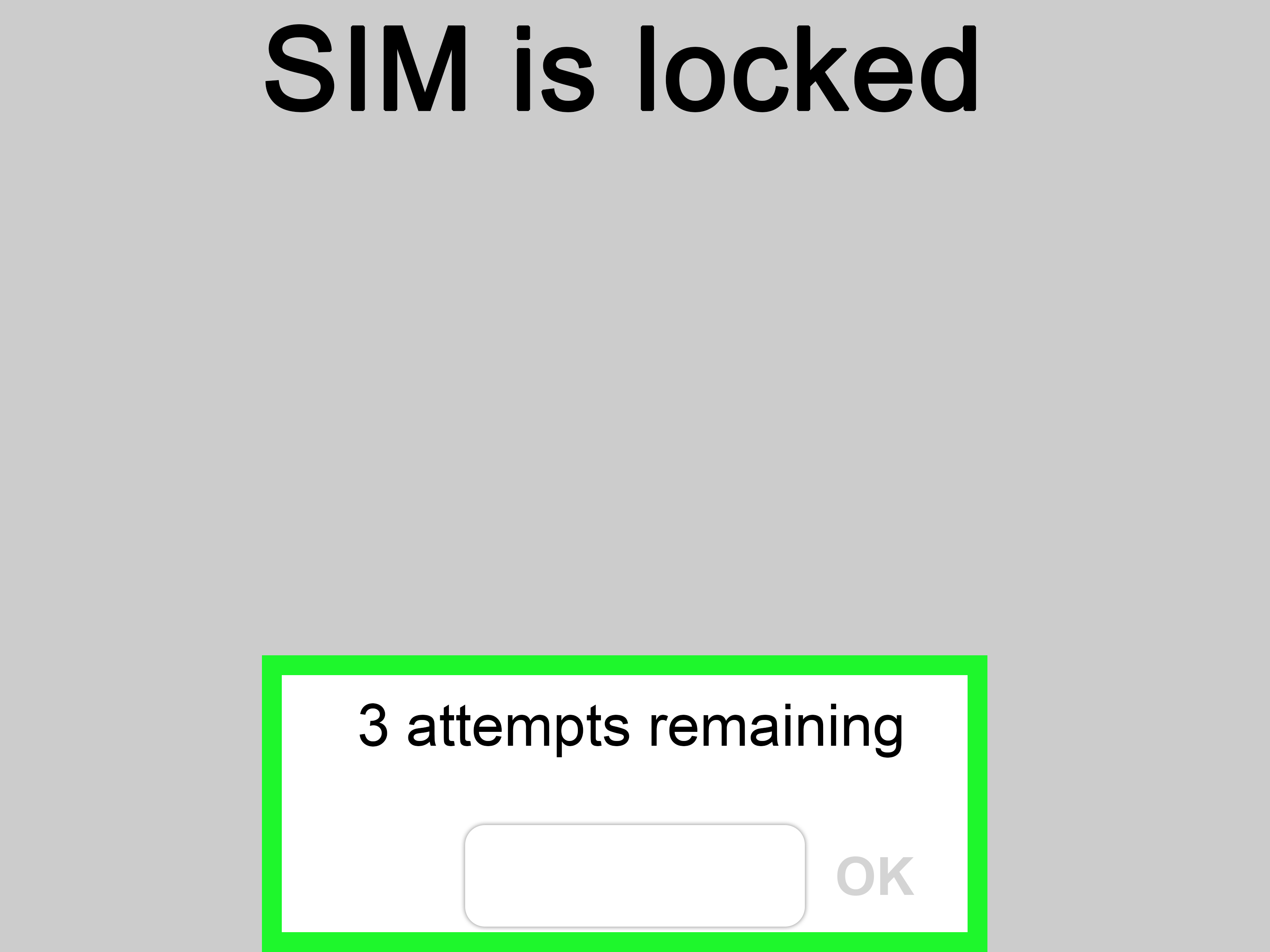
If the device rejects another carrier’s SIM, displays messages like “SIM not supported,” or tells you the network is locked, it is still carrier-locked.
What You Need Before You Request an Unlock
Prepare these details first:
- Your phone’s IMEI number
- The original carrier that sold the device
- Your account login or wireless number
- Your account PIN or passcode
- Proof the device is paid off, if needed
- A Wi-Fi connection for updates or remote unlock completion
You can usually find the IMEI under Settings > About or by dialing *#06#.
How to Unlock a Contract Phone for Free: Step by Step
Step 1: Identify the Original Carrier
This matters because the carrier that locked the phone is usually the one that must unlock it. A phone currently used on Carrier B may still be locked by Carrier A. That catches a lot of secondhand buyers off guard.
Step 2: Check Eligibility
Visit your carrier account, support page, or device section and confirm whether the phone is paid off, old enough, and in good standing. If there is any balance left, pay it first and give the system time to update.
Step 3: Submit the Unlock Request
Some carriers unlock automatically once the device becomes eligible. Others require a request through an online portal, app, or support agent. Follow the official route. If your carrier says the phone should unlock automatically, verify whether the status has actually changed before you swap service.
Step 4: Complete Any On-Device Steps
Many newer devices unlock remotely, which means there is no code to enter. You may just need to restart the phone, connect to Wi-Fi, or insert the new carrier’s SIM. Some older models may still require an unlock code or additional carrier instructions.
Step 5: Test with Another SIM or eSIM
Insert a SIM from another carrier or activate a different eSIM profile. If the phone connects normally, congratulations: your device is now free to mingle.
Major U.S. Carrier Rules to Know
Carrier policies change over time, but these examples show the pattern you will usually see.
AT&T
AT&T generally requires the device to be purchased more than 60 days ago, paid in full, not reported lost or stolen, and tied to an account that is not past due. For prepaid devices, six months of paid service is typically required. Some eligible Apple, Samsung, and Google devices may unlock automatically.
T-Mobile
T-Mobile commonly requires the device to have been active on its network for at least 40 days on the requesting line, be paid off if financed, and be linked to an account in good standing. Many supported devices are unlocked remotely once eligible.
Verizon
Verizon’s rules vary by product type and purchase context, but its current consumer materials emphasize automatic unlocking after certain eligibility triggers, especially once devices are bought outright or financing is paid in full. Prepaid devices may have a longer active-service requirement. If you have an older Verizon phone, check the exact policy attached to that purchase date.
Cricket, Mint, Boost, UScellular, and Other Providers
Smaller carriers and prepaid brands often have their own timelines. Some use a six-month rule, some use a 40-day or 60-day rule, and some unlock automatically after the service requirement is met. UScellular also notes that some older devices may not be capable of being unlocked at all. In other words, “check the policy” is not lazy advice here. It is the advice.
What If the Phone Is Still Under Contract or Financing?
This is where the phrase “for free” starts doing interpretive dance.
If the device is still being financed, you usually need to pay off the remaining balance before the carrier will unlock it. That does not mean the unlock itself costs money. It means your phone is not truly yours-free-and-clear yet. Carriers tend to be very attached to the idea of being paid.
If you are in a traditional service contract, there may also be a waiting period, contract completion requirement, or early termination fee. The unlock is often free once those obligations are satisfied.
What Free Unlocking Does Not Include
There are several things a carrier unlock will not fix:
- Unpaid device balances
- Blacklisted IMEIs from loss, theft, or fraud
- Activation Lock or account ownership locks
- Hardware incompatibility with another network
- Bootloader restrictions or software modding limitations
That last point deserves a mention because many people think “unlocked” also means “I can root it, flash it, and turn it into a toaster.” Carrier unlock and software freedom are not the same thing.
Why Third-Party Unlock Services Are Usually a Bad Idea
If a website promises to unlock any contract phone instantly with a mystery code, a cryptocurrency payment, and an urgency countdown that resets every time you refresh, run. Fast.
The safest and most reliable route is the original carrier. Third-party services can be expensive, ineffective, or outright scams. Even when they are not scams, they may rely on methods you do not want anywhere near a phone that stores your banking apps, family photos, and every embarrassing note you ever saved.
In plain English: the free, official path is slower than a shady shortcut, but it is far less likely to leave you broke and still locked.
How to Improve Your Chances of a Smooth Unlock
Keep Your Account Current
Past-due balances are one of the most common reasons unlock requests fail.
Wait a Day After Paying Off the Device
Carrier systems are not always instant. If you just paid the balance, give it a little breathing room before you request the unlock.
Update the Phone
Install any carrier settings or software updates. Some remote unlocks do not complete properly on outdated software.
Use the Carrier App or Account Portal First
That route is often faster than calling support and repeating your IMEI like it is a hostage negotiation.
Keep Records
If the request stalls, save screenshots, confirmation numbers, and chat transcripts.
What to Do If Your Carrier Refuses
Do not assume the answer is final until you know why the request was denied.
- Ask for the specific eligibility reason
- Verify the device is fully paid off
- Confirm the IMEI matches the account record
- Check whether the device was ever reported lost or stolen
- Wait if you just met the service threshold
- Escalate politely if the phone appears eligible
If the carrier still will not help and you believe the device meets the published requirements, you can consider filing a consumer complaint. That tends to get everyone’s reading glasses on.
Will an Unlocked Phone Work on Every Carrier?
Nope. Unlocking and compatibility are related, but they are not twins.
An unlocked phone may still lack the bands, certifications, or network support needed for another carrier’s service. This is especially important with older phones, imported models, and some carrier-specific Android devices. Before you switch, run the phone through the new carrier’s compatibility or IMEI checker if available.
Translation: unlocking the door does not guarantee the house has the right furniture.
Real-World Examples
Example 1: The Paid-Off iPhone
You paid off your iPhone on AT&T, opened Settings, and still saw a lock. The fix may be simple: submit the official request or wait for the automatic unlock to process, then restart and check the Carrier Lock field again.
Example 2: The Android Hand-Me-Down
Your brother gives you his old T-Mobile Android. It looks perfect, but it will not work on your carrier. Why? Because the phone might still be financed, inactive for too short a period, or not fully compatible with the new network. Free unlocks still require the basics.
Example 3: The Travel Setup
You are flying abroad and want to use a local eSIM for data. If your phone is unlocked, great. If not, you need to start the unlock process well before your trip, not while standing in an airport pretending to understand a kiosk in three languages.
of Real-World Experience: What People Actually Run Into
In real life, unlocking a contract phone is rarely dramatic, but it is often messy in small, very human ways. One of the most common experiences is the “I thought this was already done” moment. Someone pays off a device, assumes the carrier flips a magic switch immediately, and then discovers the phone is still locked when they try to move to another network that same afternoon. The issue usually is not a denial. It is timing. Carrier systems need a little while to update, and support agents may give slightly different answers depending on what the account shows at that exact moment.
Another common experience happens with family hand-me-downs. A parent gives a teenager an older iPhone, or a spouse passes along a previous Samsung after an upgrade. Everyone assumes the device is ready to go because it is no longer in daily use. Then comes the surprise twist: the old line was closed, the device installment plan was bundled into a larger account, or the phone was never formally unlocked. That situation feels confusing because the phone is physically in your hand, fully functional on Wi-Fi, and obviously not “new.” But carrier systems care less about your feelings and more about account status.
Travelers run into a different flavor of frustration. They hear that eSIM makes everything simple, which is true right up until the phone is still carrier-locked. Suddenly the dream of “I’ll just buy a cheap local data plan when I land” turns into airport Wi-Fi gymnastics and support chats at odd hours. People often discover too late that a phone can be modern, expensive, and packed with global features, while still being locked to one U.S. carrier. The lesson here is simple: check unlock status before the trip, not during boarding.
Used-phone buyers have perhaps the most painful stories. A listing says “clean phone,” “works great,” or the always-dangerous “just needs setup.” Then the buyer inserts a SIM and learns the device is still locked, or worse, tied to an account problem. In many of these cases, the seller was not necessarily malicious. They just did not understand the difference between a phone that powers on and a phone that is truly ready for another network. That misunderstanding costs time, money, and usually at least one dramatic sigh.
Then there is the pleasant surprise category. Plenty of people check their phone expecting trouble and discover it already says “No SIM restrictions” on iPhone or shows as unlocked in the carrier account. That happens more often now because some providers do automatic remote unlocks once the rules are met. These are the rare tech moments that feel almost suspiciously easy. You insert the new SIM, the phone connects, and suddenly you are the kind of person who thinks, “Wow, maybe today really is my day.”
The big takeaway from all these experiences is that unlocking is usually less about secret tricks and more about timing, account cleanup, and verifying the exact status of the device. When people succeed, it is usually because they checked carefully, used the official process, and stayed patient. When they fail, it is usually because they trusted assumptions, old advice, or a stranger on the internet with a suspiciously exciting unlock promise.
Conclusion
If you want to unlock a contract phone for free, the smartest route is also the least glamorous: use the original carrier’s official process, make sure the device is paid off, confirm the account is in good standing, and verify the unlock status before switching service. That is the real ultimate guide. No secret codes. No sketchy software. No late-night panic purchases from websites that look like they were built in a basement in 2009.
Once your phone is eligible, unlocking it can be straightforward and cost nothing. Just remember that unlocked does not always mean universally compatible, and carrier lock is not the same thing as screen lock or Activation Lock. Get those details right, and your phone can move with you instead of holding your budget hostage.