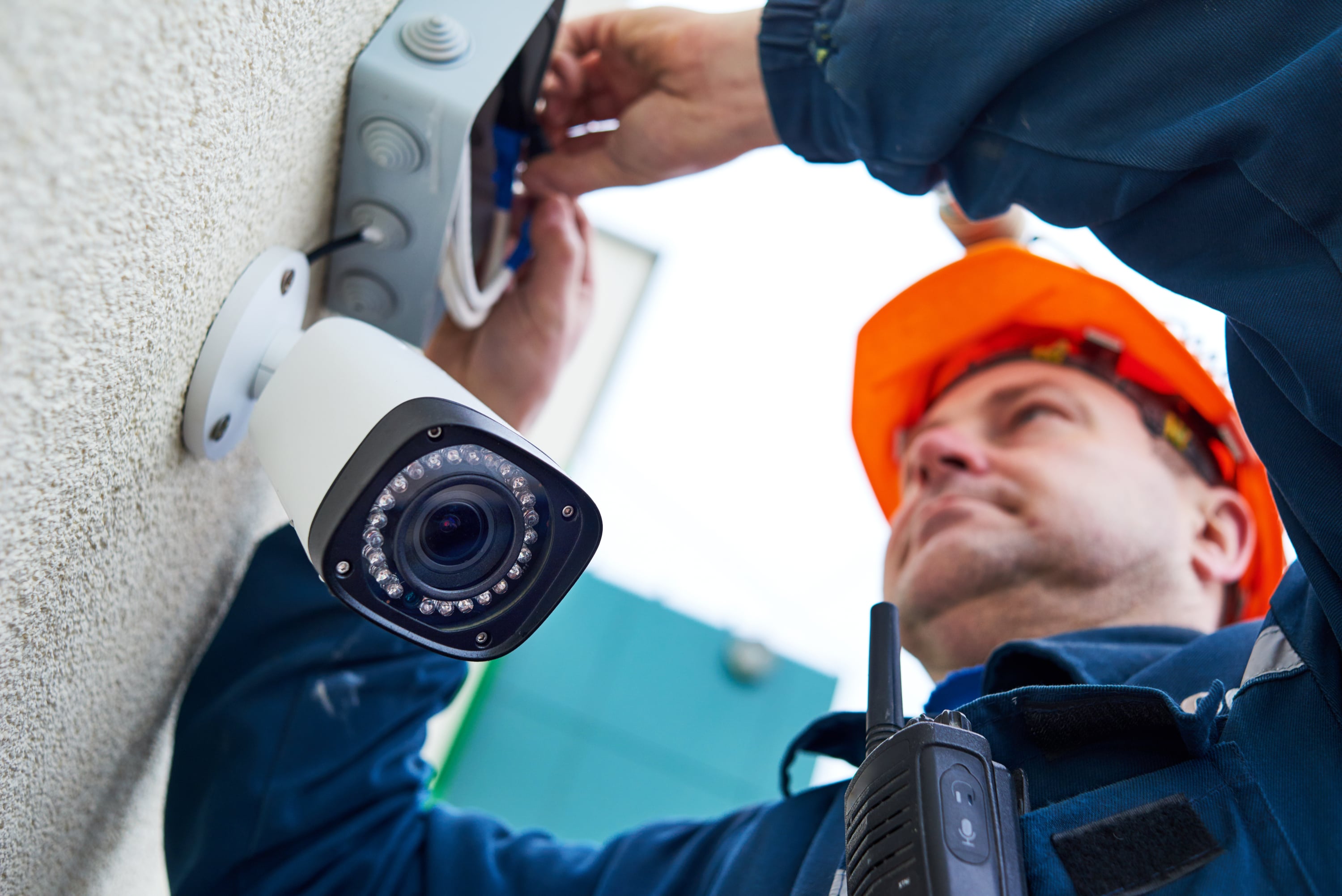
Home security is supposed to help you sleep better, not make you clutch your wallet like it just heard footsteps in the hallway. Yet fake home security services, aggressive door-to-door alarm sellers, dishonest contractors, robocallers, and online imposters have turned a sensible purchase into a playground for scammers.
The pitch usually sounds urgent, friendly, or oddly convenient: “Your alarm company sent us,” “Your neighborhood has had break-ins,” “This equipment is free today only,” or “We just need to inspect your current system.” The goal is simple: get inside your home, get your signature, get your payment information, or get enough details to target you later.
The good news? Most home security scams have patterns. Once you know the red flags, you can spot the act before the curtain rises. This guide explains how fake home security services work, how to protect yourself before signing anything, and what to do if you think you have been scammed.
What Are Home Security Scams?
Home security scams are deceptive sales schemes involving alarm systems, monitoring services, cameras, smart locks, installation work, or supposed security upgrades. Some scams are run by outright criminals pretending to represent a legitimate company. Others come from shady sales agents using pressure tactics, misleading claims, or confusing contracts to lock homeowners into expensive services.
Not every door-to-door salesperson is dishonest. Some legitimate companies still use in-person sales. The problem is that scammers love the same format because it puts you under pressure in your own doorway. You may feel rushed, polite, embarrassed to say no, or worried about neighborhood safety. That is exactly the emotional cocktail scammers like to serve, usually with a garnish of “This offer expires today.”
Common Types of Home Security Scams
1. The Fake Alarm Company Representative
One of the most common tricks is impersonation. A stranger says they are from your current alarm company and need to inspect, upgrade, or replace your system. They may claim your provider was bought by another company, your equipment is outdated, or your monitoring service is ending.
The scam works because it sounds administrative rather than suspicious. If you already have a system, you may assume the visitor has legitimate account information. In reality, they may be guessing based on a yard sign, window sticker, or public-facing camera. Never let someone into your home based only on a badge, shirt logo, clipboard, or confident smile. A laminated badge does not make someone honest; it just means they found a laminator.
2. The “Free Equipment” Trap
Free security equipment is a classic bait. The salesperson may promise a no-cost alarm panel, sensors, camera, or doorbell. But “free” often means the equipment cost is buried inside a long-term monitoring contract, installation fee, activation fee, early termination penalty, or equipment lease.
A legitimate promotion should still come with clear written terms. Ask who owns the equipment, how long the monitoring contract lasts, what the monthly rate is, whether prices can increase, and what happens if you move. If the answer sounds like a fog machine at a magic show, do not sign.
3. The Neighborhood Crime Scare
Some scammers lead with fear: “There have been several break-ins nearby,” “Your street is being targeted,” or “Police asked us to warn homeowners.” They may even point vaguely down the block, because apparently criminals always choose the most theatrical route possible.
Fear-based selling is a major warning sign. A real security professional can discuss risk without inventing panic. If a claim involves crime in your area, verify it independently through local police reports, community alerts, or official neighborhood communication channels. Do not buy a system because a stranger on your porch gave your anxiety a megaphone.
4. The Contract Switcheroo
In this scam, the salesperson makes verbal promises that do not match the written agreement. They may say the service is month-to-month, but the contract says three years. They may promise cancellation is easy, but the fine print includes a large early termination fee. They may say installation is free, but the agreement lists charges under a different label.
Read every contract before signing. Look for the contract length, monthly monitoring cost, installation charges, activation fees, equipment ownership, warranty terms, cancellation rights, automatic renewal language, and early termination penalties. If the seller says, “Don’t worry about that part,” that is exactly the part you should worry about.
5. Fake Online Home Security Deals
Not all home security scams knock on the door. Some appear as online ads, fake comparison websites, social media promotions, or sponsored-looking pages promising unusually cheap systems. Scammers may collect your personal information, sell your lead to aggressive marketers, or send you counterfeit devices with weak privacy protections.
Before buying online, check the company’s real website, business address, customer service number, reviews, privacy policy, warranty details, and refund terms. Be cautious with companies that hide pricing, demand a phone call before showing basic information, or push you to enter personal details before explaining what they sell.
6. Robocalls, Texts, and Phishing Messages
Scammers may call or text claiming your alarm account has a problem, your camera subscription is expiring, or your payment failed. The message may include a link to “verify” your account. That link can lead to a fake login page designed to steal your password, payment information, or identity details.
Do not click links in unexpected messages about your security system. Instead, contact the company using the phone number or app you already know is legitimate. If you use smart cameras or alarm apps, enable multi-factor authentication and use strong, unique passwords.
Warning Signs of a Fake Home Security Service
Most home security scams reveal themselves through behavior. Watch for these red flags:
- Pressure to decide immediately: Scammers do not want you to compare prices or read contracts.
- Claims that equipment is free: Free often means “paid for later, monthly, with interest in disguise.”
- Requests to enter your home: Never let an unverified salesperson inspect your current alarm system.
- Vague company details: A real business should provide a legal name, address, license details, and written terms.
- Scare tactics: Be suspicious of dramatic claims about burglaries, police warnings, or neighborhood danger.
- Confusing paperwork: If the seller rushes you through the contract, slow down or stop completely.
- Unusual payment methods: Gift cards, wire transfers, cryptocurrency, or payment apps are major scam signals.
- Refusal to leave: A legitimate salesperson should respect “no.” If they will not leave, call local authorities.
How to Protect Yourself Before Buying a Home Security System
Verify the Company Independently
Ask for the company’s legal name, physical address, phone number, website, contractor license number, and the salesperson’s full name. Then verify the information yourself. Do not call a number printed only on a flyer or badge. Search for the company independently and compare contact details.
Check the company with your state attorney general’s office, local consumer protection agency, state licensing board, and Better Business Bureau. Look for complaint patterns, not just star ratings. A few complaints are not always alarming, but repeated complaints about billing, cancellation, misleading contracts, or aggressive sales are a flashing red siren.
Do Not Let Strangers Inspect Your Current System
Your alarm panel, sensor placement, camera locations, smart lock setup, and monitoring details are sensitive information. Do not give a door-to-door seller a tour of your home’s weak points. If someone claims they need to inspect your equipment, close the door and contact your provider directly.
Get Multiple Quotes
A home security system is not a pack of gum at checkout. You do not need to buy it in three minutes. Compare at least two or three options. Look at professional monitoring, DIY systems, contract length, equipment cost, installation fees, cellular backup, battery backup, smart home compatibility, customer support, and cancellation terms.
Some homeowners want full professional monitoring. Others prefer self-monitoring with cameras, sensors, and alerts. The best choice depends on your budget, comfort with technology, home layout, and risk level. A good company helps you choose. A bad one tries to corner you.
Read the Contract Like It Owes You Money
Before signing, look for these details:
- Length of the monitoring agreement
- Total monthly cost and whether it can increase
- Installation, activation, permit, and service fees
- Who owns the equipment
- Warranty and repair responsibilities
- Cancellation policy and early termination fee
- Automatic renewal terms
- Moving or transfer policy
- What happens during power or internet outages
- Whether installation or monitoring is subcontracted
If a promise is not in writing, pretend it was said by a raccoon wearing a necktie. Entertaining, perhaps, but not legally comforting.
Know Your Cancellation Rights
In many cases, the Federal Trade Commission’s Cooling-Off Rule gives consumers three business days to cancel certain sales made at home, at work, or at temporary sales locations when the purchase is over a specified amount. Not every transaction is covered, and state laws may add other protections, so read the cancellation notice carefully and act fast if you regret signing.
If you cancel, do it in writing and keep proof. Send the cancellation according to the contract instructions. Take photos, save emails, keep receipts, and document every call.
How to Protect Your Smart Home Devices After Installation
Home security no longer stops at the front door. Many systems include cameras, apps, cloud storage, smart locks, voice assistants, routers, and connected sensors. That convenience is useful, but it also creates digital risks if devices are poorly secured.
Change Default Passwords
Default usernames and passwords are a gift basket for hackers. Change them immediately. Use long, unique passwords for your alarm account, camera account, router, email, and mobile app. A password manager can help keep everything organized without turning your brain into a filing cabinet full of spaghetti.
Enable Multi-Factor Authentication
Multi-factor authentication adds a second step when logging in, such as a code from an app or text message. It is especially important for accounts tied to cameras, door locks, garage doors, and home access.
Keep Firmware and Apps Updated
Security updates fix known vulnerabilities. Keep your alarm app, camera firmware, router software, and connected devices updated. If a device no longer receives updates, consider replacing it, especially if it controls access to your home or records indoor video.
Secure Your Wi-Fi Network
Your router is the front gate for your smart home. Use strong encryption, change the default router admin password, and consider creating a separate guest network for smart devices. This helps limit damage if one device is compromised.
What to Do If You Think You Were Scammed
If you signed a contract under pressure, paid a suspicious company, or shared sensitive information, act quickly.
- Contact the company in writing. Request cancellation, a refund, or clarification of disputed charges.
- Use your cancellation rights if available. Follow the contract instructions exactly and keep proof.
- Call your bank or credit card company. Report unauthorized or deceptive charges as soon as possible.
- Change passwords. Update passwords for alarm apps, email, Wi-Fi, payment accounts, and smart home platforms.
- Contact your real alarm provider. Ask whether anyone was authorized to visit your home.
- File reports. Report fraud to the Federal Trade Commission, your state attorney general, local consumer protection office, and local police if someone entered your home or refused to leave.
- Document everything. Keep contracts, receipts, business cards, emails, texts, call logs, photos, and names.
Practical Experiences: What Home Security Scams Look Like in Real Life
Real-world home security scams rarely begin with something obvious like, “Hello, I am here to make poor financial choices on your behalf.” They usually begin with ordinary situations. A homeowner is cooking dinner, the dog is barking like it has discovered jazz, and someone knocks. The visitor looks professional, speaks confidently, and uses just enough security language to sound believable.
One common experience involves a salesperson claiming the homeowner’s current system needs an urgent upgrade. The homeowner sees an old alarm sign in the yard and assumes the visitor must know something. The salesperson says the company is “switching equipment” or “updating panels in the area.” That phrase sounds official, but it can be a trick. The homeowner signs a new agreement, only to discover later that they now have two monitoring contracts: the original one and the new one. That is not home protection; that is a subscription sandwich nobody ordered.
Another frequent scenario involves a “free camera” or “free alarm package.” The seller says the homeowner qualifies because the company wants “model homes” in the neighborhood. This is flattering by design. People like being chosen. But the contract often reveals that the homeowner must pay monthly monitoring for several years. The equipment may not be free at all; it is simply financed through the agreement. The experience feels like receiving a free puppy and then learning it comes with a luxury car payment.
Some homeowners describe feeling too polite to shut the door. That is exactly why door-to-door scams work. Scammers exploit manners. They keep talking, ask small questions, step closer, and try to move the conversation inside. A useful rule is to separate politeness from access. You can be polite and still say, “No, thank you. Please leave your information.” You do not owe a stranger your time, your hallway, your Wi-Fi password, or a guided tour of your motion sensors.
There are also digital versions of the experience. A homeowner receives a text saying their camera subscription will be suspended unless they update payment information. The message looks urgent and includes a link. The link leads to a fake login page that captures account credentials. Once scammers gain access to a camera account or email account, the problem can become bigger than one payment. That is why it is safer to open the official app directly instead of tapping links in unexpected messages.
The best experience-based lesson is simple: pause. Scams thrive in speed. A homeowner who pauses long enough to verify a company, read a contract, call their existing provider, or talk with a trusted friend usually avoids the worst outcome. The pause is not paranoia. It is a security system for your decision-making.
Final Thoughts: A Safer Home Starts With a Slower Yes
A legitimate home security system can be a smart investment. It can help monitor doors, windows, smoke, carbon monoxide, water leaks, and suspicious activity. But the system should protect you from risk, not drag you into one.
The strongest defense against home security scams is a calm, repeatable process: verify the company, refuse pressure, keep strangers out, compare options, read the contract, secure your smart devices, and report suspicious behavior. If a seller’s pitch depends on fear, confusion, secrecy, or speed, step back. Real protection does not require panic.
Note: This article is for general consumer education and is not legal, financial, or cybersecurity advice. Contract rights and licensing rules can vary by state, so consumers should verify local requirements before signing or canceling a home security agreement.